Choose Your Platform
Connect the livestream service supplying contestants for the event.

How It Works
From audience entry to the final winner, every round follows a clear, cinematic flow.
Step 01
Link your Twitch, YouTube or Kick channel so eligible viewers can enter live through chat.
Connect the livestream service supplying contestants for the event.
Audience members enter through the supported live-chat participation flow.
Step 02
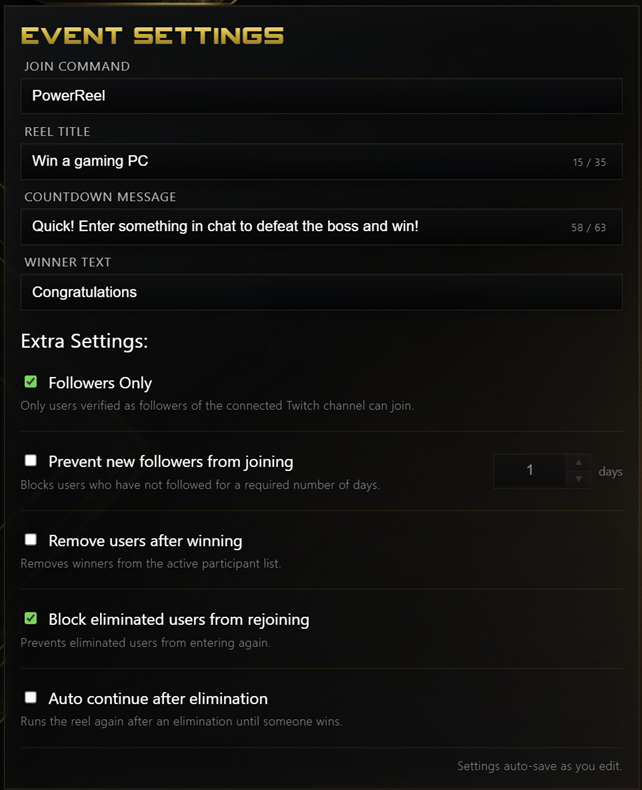
Setup the experience for your viewers from your Event Settings tile.
Choose your Join Command, Reel Title, Countdown message and Winner text.
Manage extra settings such as allowing followers only to join, prevent newly followed users from joining and more!
Step 03
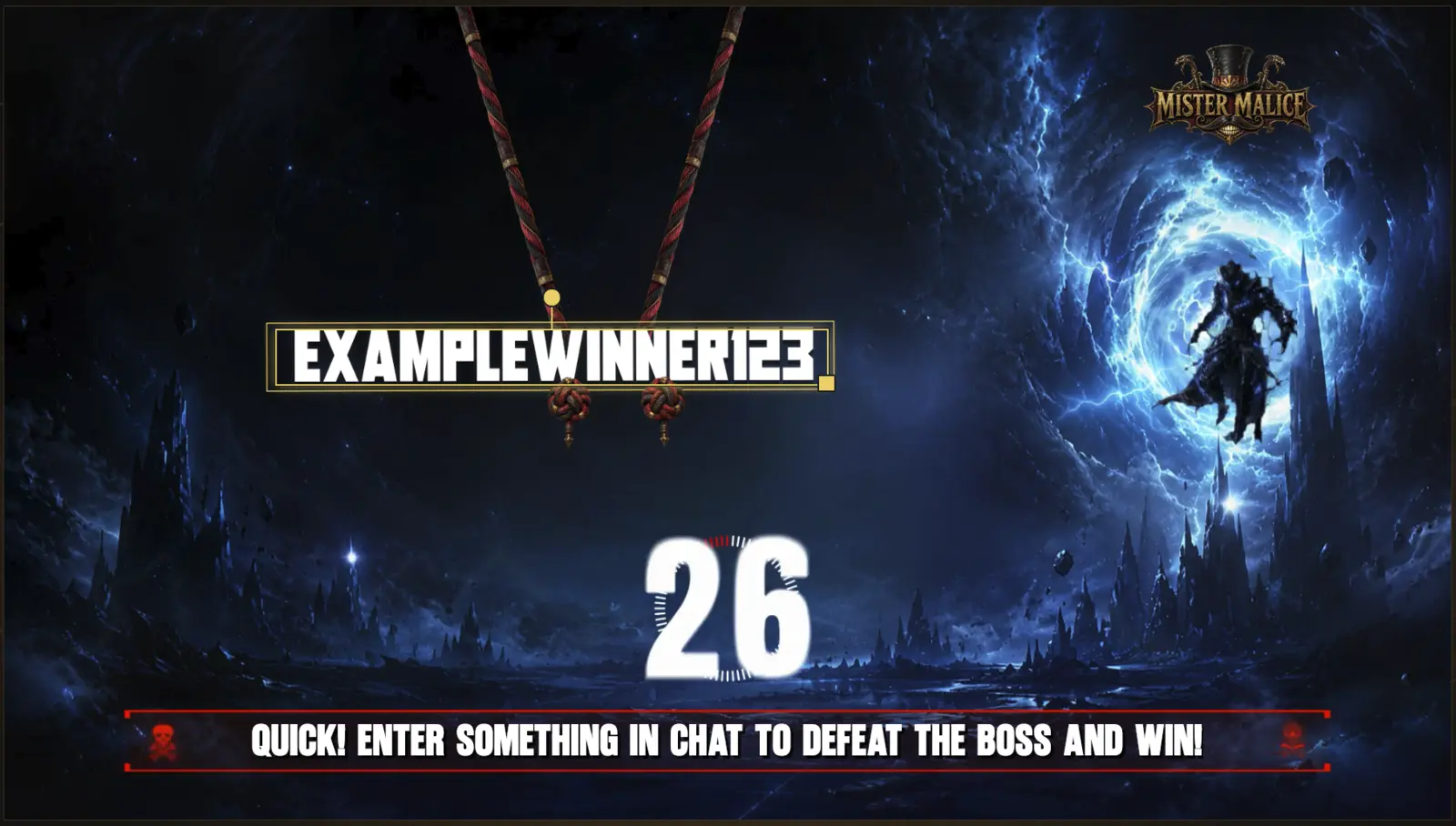
The Reel spins, one viewer is selected and the boss fight takes over your stream output.
The selection, boss reveal, countdown, attack and result play in sequence.
The Power Reel returns to its waiting state ready for the next contestant.